
September 26, 2025 by Thilina Weerasinghe
From Code to Conversation: Playwright MCP Makes Natural Language the New Test Automation Language 🤖
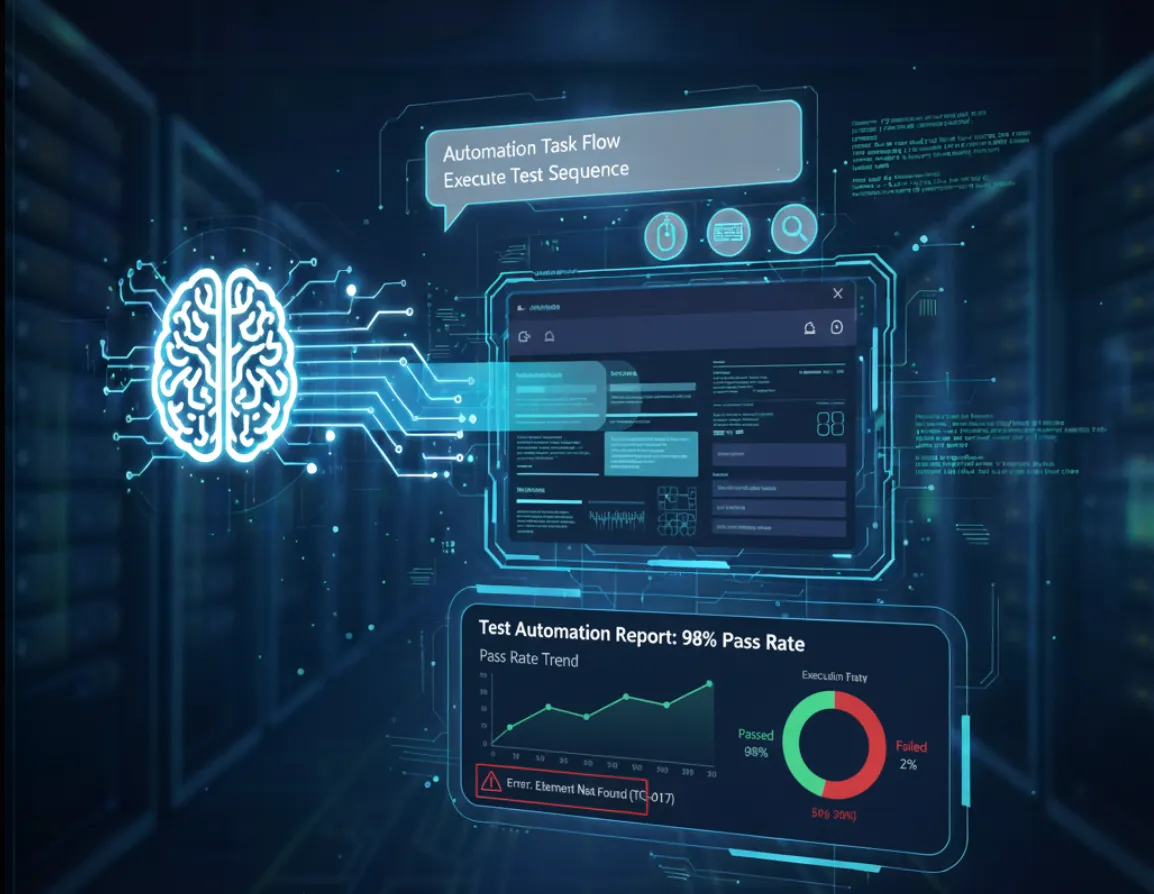
Software testing has always been the backbone of quality software development. Testing is absolutely critical. Every bug caught before production saves companies money, protects the user experience, and preserves brand reputation. But the challenge has always been making testing faster, more comprehensive, and more accessible to everyone on the team. To address these challenges, software testing has continuously evolved from manual processes, to automation frameworks, to low-code and no-code solutions, and now to AI-driven, intelligent testing. Each step forward reflects our commitment to improving speed, coverage, and collaboration while keeping quality of software delivery.
Testing has evolved through several generations:
- Manual testing where teams clicked through everything by hand
- Script-based automation where code was written to repeat actions
- Data-driven testing that made tests more flexible
- Behavior-driven development that brought business language into testing
Each evolution solved problems but also introduced new challenges. Writing automation scripts still required technical knowledge. Maintaining test suites became complex. Non-technical team members struggled to contribute effectively to testing efforts.
Now the software industry is entering the world of AI, and this transformation has made testing incredibly more interesting, faster, accurate and powerful. Artificial Intelligence isn’t just changing how we write scripts in testing . It’s revolutionizing how we think about quality assurance, test planing, test creation, and automation strategies.
Generative Automation Testing with Playwright MCP Server. This isn’t just another testing tool; I think it’s a fundamental shift in how the industry approaches testing. Let's explore this.
🎭 What is Playwright MCP?
Basically , MCP (Model Context Protocol) is a universal interpreter between large language models (LLMs) and real-world applications. Simply put, it enables you to assign clear, goal-focused tasks to an LLM — without overloading prompts with tool-specific instructions — and lets the LLM control the application as an AI agent. Playwright MCP Server builds on this concept by integrating MCP with browser automation. It provides a server that allows LLMs to interact directly with web pages through Playwright. This empowers testers to automate browser actions using plain English commands, eliminating the need for complex scripts and making test automation more accessible and efficient.
⚙️ How does Playwright MCP work?
Playwright MCP acts as a bridge between LLMs and web browsers, enabling natural language–driven automation. The Playwright MCP Server exposes Playwright’s powerful browser automation capabilities through the MCP protocol.
Playwright MCP supports two modes of interacting with the page those are snapshot mode and vision mode
- ✅ Snapshot mode — Reads the page’s accessibility tree to find and interact with elements. It’s fast, lightweight, and works best on well-structured, accessible pages.
- ✅ Vision mode — Takes a screenshot of the page and interacts based on what it sees, using positions on the screen. This mode is slower but useful for pages without proper accessibility or with highly dynamic content.
First Set UP Playwright MCP.
Prerequisites
- Node.js installed on your machine
- VS Code installed
- Familiarity with Playwright basics is helpful, but not required
📦 Install the Playwright MCP Server
Go to the official Playwright MCP GitHub repository .
Follow the installation instructions specific to your IDE. Playwright MCP currently supports popular editors like VS Code, Cursor, and others.
If you’re using VS Code, you can install the MCP server directly via the extension marketplace or by adding the recommended configuration snippet to your settings.json.
Once you have added an MCP server, you can start it and see the log in the output (CMD+SHIFT+U).
☑️ Configure MCP in VS Code
First, you need to set up Playwright MCP within VS Code. This can be done by adding the MCP server config in settings.json (Settings → Open Settings JSON (the icon in the top right corner))::
{
  "servers": {
    "playwright": {
      "command": "npx",
      "args": ["@playwright/mcp@latest"]
    }
  }
}
This configuration ensures that the Playwright MCP server can be launched directly from VS Code
2. (Optional) Streamline Agent Mode
To automate certain agent actions, add this line to your .vscode/settings.json:
{
  "chat.tools.autoApprove": true
}
In the tool section of agent we can see all the actions that playwright MCP can perform.
🚀 Let’s Execute Tests With Playwright MCP
Once the Playwright MCP server is set up, you can start executing tests using natural language. This process can be as simple as typing commands into a chat window or as structured as using a dedicated test suite.
While there are many methods for test execution with Playwright MCP, I will focus on two key approaches that demonstrate the power and flexibility of the Playwright MCP server.
📝 Method 1: Executing Tests via the Agent Chat
The most direct way to execute a test is by using the agent chat feature, like GitHub Copilot. You can give it a series of steps in plain English, and the agent will interpret and perform the actions using Playwright MCP.
For example, you could provide a prompt like this:
Navigate to the Playwright GitHub repository. Go to the “Issues” tab. Search for a specific issue. Check the status of the issue.
The agent uses its understanding of the language to translate these instructions into specific browser actions, such as clicking on links, typing in search bars, and verifying page content.
📂 Method 2: Using Markdown Files for Test Suites
While the chat method is simple, it’s not ideal for managing a large number of tests. A more advanced and scalable approach is to store your test cases in markdown (.md) files. This method transforms your test instructions into a structured, executable test suite.
Lets see how we can do it:
- Create a Test Runner File: Create a main markdown file (e.g., testrunner.md) that serves as your test orchestrator. In this file, you can define the Agent’s Role, specify Test Suites, and set configurations.
- Write Your Test Cases: In the linked markdown files, we can write test cases using a structured format. We can define steps and even include setup and teardown actions with `before each` and `after each` sections.
- Run the Test Suite: Simply instruct the agent to “run the test cases in the testrunner.md file."
This approach offers significant advantages: it’s maintainable, scalable, and highly configurable. It makes test automation accessible to non-technical team members who can write and manage tests in a human-readable format.
PlayWright MCP generated Test Reports
The report moves beyond simple pass/fail notifications by integrating context, traceability, and powerful visualization all without writing a single line of reporting code. By providing both the human-readable summary and the technical Playwright trace, the Playwright MCP report bridges the communication gap between business intent and technical execution, making the testing process truly end-to-end intelligent.
The adoption of Playwright MCP brings several significant benefits to the testing process:
1) Effortless Test Creation:
Testers can articulate their test steps in natural language, dramatically reducing the time and specialized coding skills required to create UI automation scripts.
2) Reduced Maintenance Burden:
Test scripts become more resilient to minor UI changes, as the AI agent can adapt to dynamic elements through its understanding of context.
3) Focus on Strategic Testing:
By offloading repetitive scripting, testers can dedicate more time to critical thinking, exploratory testing, and improving overall test coverage.
4) Enhanced Accessibility:
The LLM-friendly nature of Snapshot Mode inherently promotes better accessibility practices on web pages.
Challenges
While Playwright MCP offers a glimpse into the future of UI automation, it’s not without its current limitations. During initial experimentation, some challenges observed include:
1) Agent Errors and Rate Limits:
The underlying LLM agents can sometimes encounter errors or hit rate limits, requiring re-iteration or switching to different models.
2) Instruction Interpretation Nuances:
Agents might occasionally skip instructions or misinterpret the latest directives, especially if prompts are not meticulously crafted.
3) Dependence on History Data:
The agent’s reliance on conversational history means it might sometimes prematurely skip executing steps it believes were already covered, even if the context has subtly changed.
Despite these hurdles, the continuous advancements in LLMs and AI agent technology promise rapid improvements. The future of UI test automation with Playwright MCP is bright, moving towards an ecosystem where testers can effortlessly create, execute, and analyze tests through intelligent, conversational interactions, ultimately elevating the quality and speed of software delivery. The journey from effortful, code-centric testing to intelligent, conversational automation is well underway.
Happy Testing….💻 🧪✌️